


 Track
Track
 Login
Login

Prime Video
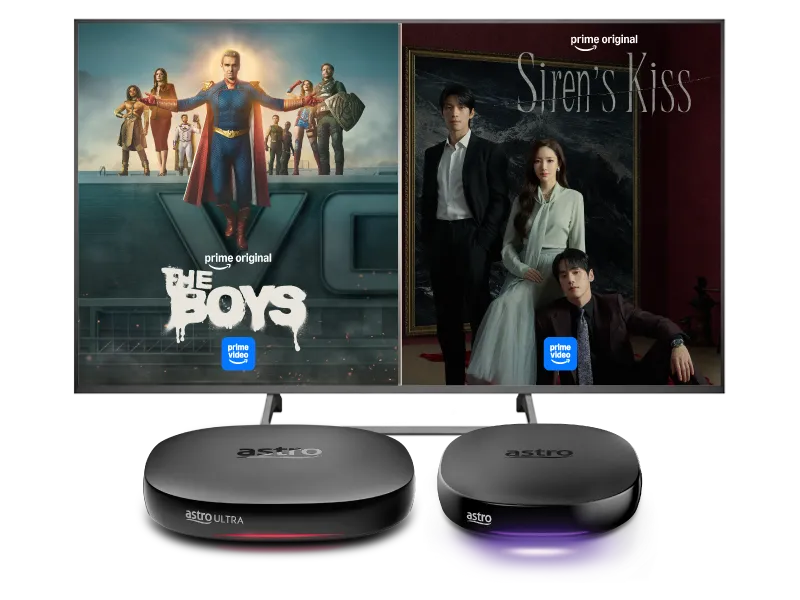
Stream the best in entertainment with Astro





Watch Prime Video on Astro


Step 2
Click “Proceed” to activate your account via the Prime Video portal
Step 3
Create a Prime Video account using mobile number or email

Step 4
Upon successful activation, launch Prime Video on your selected device

Step 5
Sign in with your newly activated Prime Video account to pair your device

Step 6
Yay! You can start streaming now. Cancel your add-on subscription anytime
Add-ons for existing customer
Add Prime Video to upgrade your existing TV plan. Cancel your add-on anytime.
New to Astro? Find your bundles here
Get stable endless entertainment with Prime Video app added on for more variety. Cancel your add-on anytime
Instant entertainment
Entertainment + Prime Video
RM63.14
/mth- No Astro box installation required
- Stream on up to 2 screens (maximum 1 Smart TV)
- Billed monthly







Instant entertainment
Entertainment + Disney+ & Prime Video
RM63.14
/mth- No Astro box installation required
- Stream on up to 2 screens (maximum 1 Smart TV)
- Billed monthly
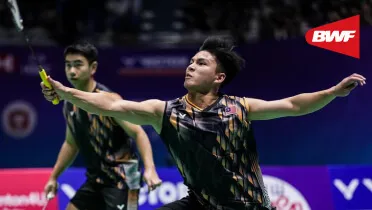
Instant sports action
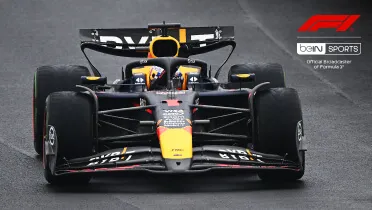
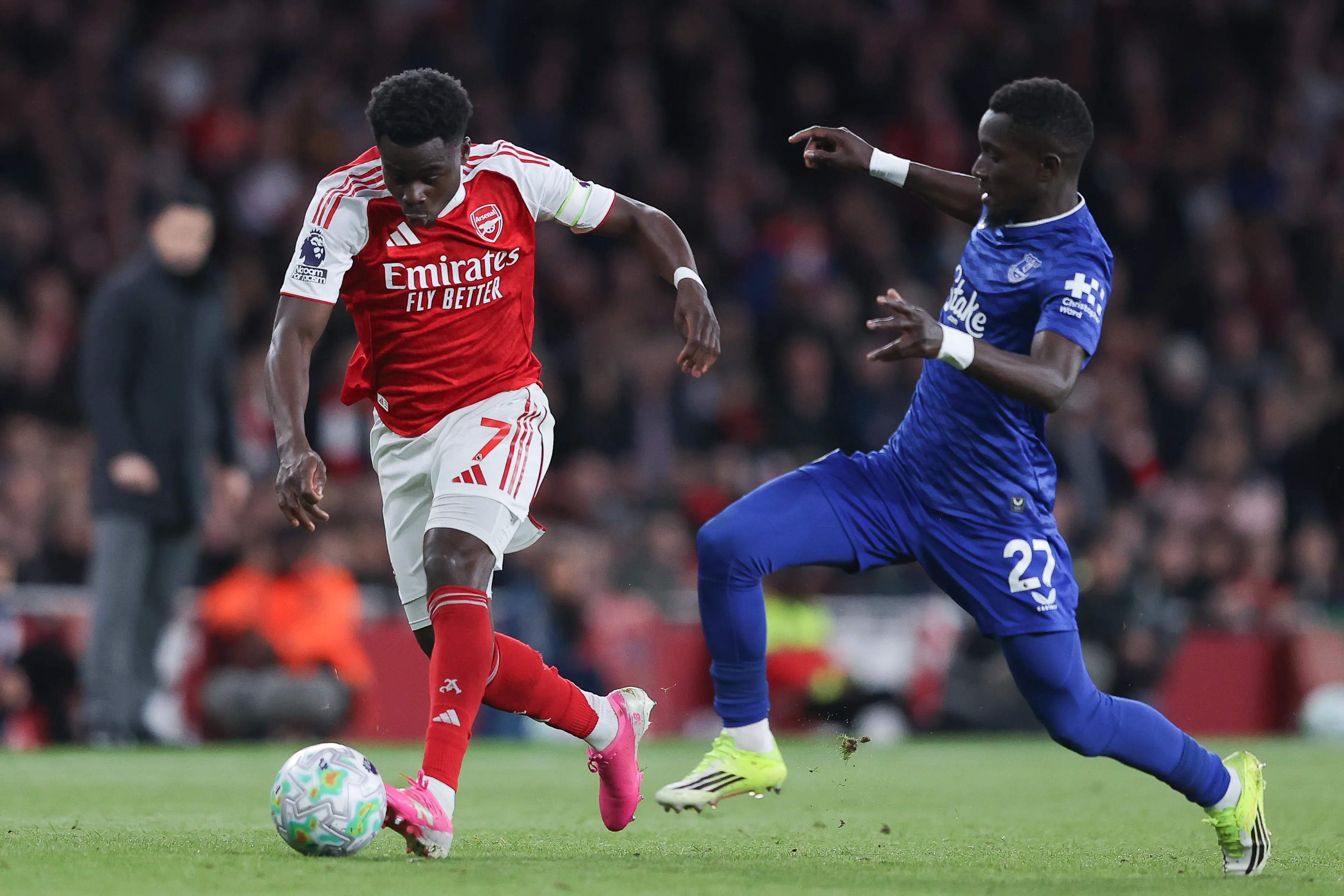
Stream LIVE matches, races and games instantly.
Sports + Prime Video
RM93.14
/mth- No Astro box installation required
- Stream on up to 2 screens (maximum 1 Smart TV)
- Billed monthly








Best of entertainment
All your must-watch local & international favourites.
Entertainment + Prime Video
RM73.14
/mth

Best of entertainment
All your must-watch local & international favourites.
Entertainment + Disney+ & Prime Video
RM73.14
/mth
Best of live sports
Sports + Prime Video
RM93.14
/mth
The ALL-in-ONE
The ultimate world of entertainment, live sports & apps.
Epic
RM159.99
/mth






Astro X3
Astro One


Astro X3: Entertainment 12 Pack
RM39.99
/mth
Explore Packs
Astro GO
Smart TV App
Base


Astro X3: Sports 12 Pack
RM69.99
/mth
Explore Packs

Sun NXT Lite

beIN SPORTS CONNECT
Astro GO
Smart TV App

Sports

Sports Extra
Base
Astro One: Entertainment Pack
RM49.99
/mth
Explore Packs
Astro GO
Base
Astro One: Sports Pack
RM69.99
/mth
Explore Packs
Sun NXT Lite
beIN SPORTS CONNECT
Astro GO
Sports
Sports Extra
Base


Astro One: Epic Pack
RM159.99
/mth
Explore Packs

Netflix Standard

Disney+ Basic
Prime Video
iQIYI Standard VIP
Sun NXT Lite
beIN SPORTS CONNECT
Astro GO+

Kids

News & Documentaries

Blockbuster

Variety
Sports
Sports Extra
Base
Frequently asked questions
Prime Video is Amazon’s over-the-top (OTT) streaming and rental service that offers access to a wide range of content including, exclusive Amazon originals, blockbuster movies and hit shows.
Starting 24 April 2025 – 23 June 2025, Ultra and Ulti Box customers will receive 2 months access to Prime Video by Amazon at no additional cost, as well as access to Prime Video via the website and mobile app. If you have yet to upgrade to our latest Ultra/Ulti Box, please reach out to us via WhatsApp by typing “Hi” at 03-9543 3838.
Astro customers with the Ultra or Ulti Box can access Prime Video via their Ultra/Ulti Box or stream directly using the Prime Video app. If you have not yet upgraded to Astro’s Ultra/Ulti Box, please reach out to us on WhatsApp by sending “Hi” to 03-9543 3838.
You can recover your Prime Video subscription here. Below are the steps.
Step 1: Visit the Recovery Page
Go to: https://www.astro.com.my/account-recovery/prime
Step 2: Log In to Your Astro Account
If prompted, sign in with your Astro ID. If you're already logged in, proceed to the next step.
Step 3: Click “Proceed”
This will initiate the recovery process.

Step 4: View Your Sign-In Hint
A hint for your Prime Video login email/mobile number will be displayed. Use this hint to help you log in to your Prime Video account.

1. Sending a WhatsApp message with "Hi" to 03-9543 3838 for assistance.
2. Submitting a feedback form at www.astro.com.my/contactus/form.
Alternatively, for any issues related to Prime Video, users can visit the Prime Video Help page for further assistance from Prime Video.