


 Track
Track
 Login
Login

iQIYI
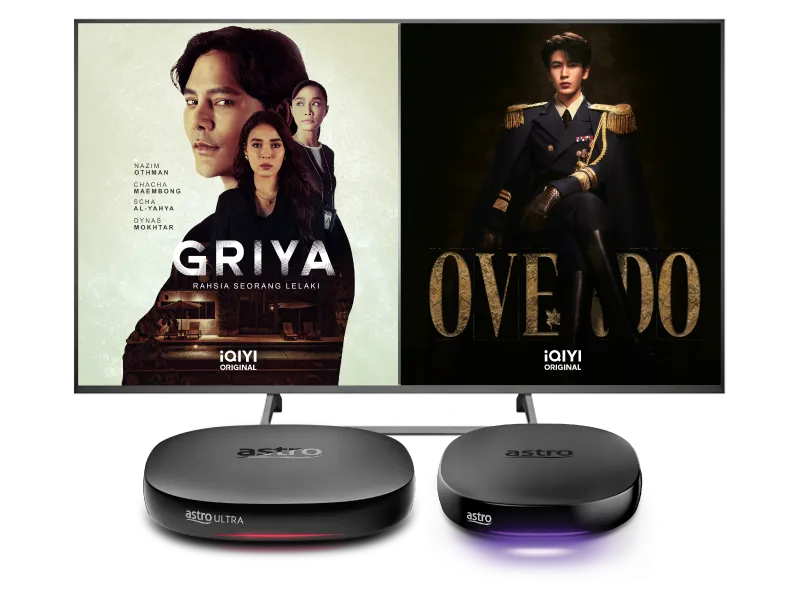
Stream the best in entertainment with Astro






Watch iQIYI on Astro

Step 1
Get Standard VIP or Premium VIP now and create an Astro ID

Step 2
On your Astro Box, launch iQIYI and login with your Astro ID

Step 3
Yay! You can start streaming now
Add-ons for existing customer
Add iQIYI to upgrade your existing TV plan. Cancel your add-on anytime.
New to Astro? Find your bundles here
Get stable endless entertainment with iQIYI app added on for more variety. Cancel your add-on anytime
Instant entertainment
Entertainment + iQIYI & Viu Duo
RM56.66
/mth- No Astro box installation required
- Stream on up to 2 screens (maximum 1 Smart TV)
- Billed monthly







Instant entertainment
Entertainment + iQIYI Standard VIP
RM51.93
/mth- No Astro box installation required
- Stream on up to 2 screens (maximum 1 Smart TV)
- Billed monthly
Instant sports action
Stream LIVE matches, races and games instantly.
Sports + iQIYI Standard VIP
RM81.93
/mth- No Astro box installation required
- Stream on up to 2 screens (maximum 1 Smart TV)
- Billed monthly











Best of entertainment
All your must-watch local & international favourites.
Entertainment + iQIYI & Viu Duo
RM66.66
/mth

Best of entertainment
All your must-watch local & international favourites.
Entertainment + iQIYI Standard VIP
RM61.93
/mth
Best of live sports
Sports + iQIYI Standard VIP
RM81.93
/mth
The ALL-in-ONE
The ultimate world of entertainment, live sports & apps.
Epic
RM159.99
/mth







Astro X3
Astro One


Astro X3: Entertainment 12 Pack
RM39.99
/mth
What's in your pack
Astro GO
Smart TV App

Base


Astro X3: Sports 12 Pack
RM69.99
/mth
What's in your pack

Sun NXT Lite

beIN SPORTS CONNECT
Astro GO
Smart TV App

Sports

Sports Extra
Base
Astro One: Entertainment Pack
RM49.99
/mth
What's in your pack
Astro GO
Base
Astro One: Sports Pack
RM69.99
/mth
What's in your pack
Sun NXT Lite
beIN SPORTS CONNECT
Astro GO
Sports
Sports Extra
Base


Astro One: Epic Pack
RM159.99
/mth
What's in your pack

Netflix Standard

Disney+ Standard

Prime Video
iQIYI Standard VIP
Sun NXT Lite
beIN SPORTS CONNECT
Astro GO+

Kids

News & Documentaries

Blockbuster

Variety
Sports
Sports Extra
Base

Smart TV App
Frequently asked questions
The iQIYI App is an on-demand video streaming service provided by iQIYI that was first launched in June 2019 in more than 191 countries providing the best Asian dramas to viewers across the world. iQIYI allows subscribers to watch all their favourite Asian entertainment including dramas, variety shows, movies and anime, with subtitles in multiple languages and equipped with Dolby Atmos for the most immersive experience at their fingertips.
Yes, you may change the interface language of the app. To access the language settings, please click "Profile" > "Settings" > "Language" and select your preferred language
Starting 20 December 2022, Astro customers will be able to enjoy the iQIYI app as an add-to-bill service for an exclusive price via Astro and enjoy the app on their Ultra/Ulti Box, mobile app and website.
You may cancel your iQIYI subscription in the app by following these steps:
Step 1: Go to Home Page
Step 2: Click on "VIP subscription"
Step 3: Click on "Manage VIP subscription" (Gear icon)
Step 4: Click on "Cancel VIP subscription"
After completing the subscription process, you will be able to access the iQIYI App on the Ultra/Ulti Box by following the steps below:
On your Ultra/Ulti Box
Step 1: At the Home menu, go to the App Rail and select "iQIYI"
Step 2: Click "OK" on your Astro remote
Step 3: While on the iQIYI App Home Page, navigate to "VIP account" located at the top left pane and click "Login". A page with a QR Code will be presented on your TV screen
Step 4: Scan the QR code using your mobile device and you will be directed to the iQIYI mobile app
Step 5: Follow the steps under "On Mobile App" below to pair your iQIYI account with your Ultra/Ulti Box
On the iQIYI Mobile App
Step 1: Download the iQIYI App on your mobile device
Step 2: At the login page, select "Continue with Astro"
Step 3: Log in with your Astro ID
Step 4: Click on the "Me" icon located at the bottom of the screen, and you will be presented with your iQIYI profile page
Step 5: Click on the in-app QR code scanner located at the top right corner of the screen
Step 6: Scan the QR Code displayed on your TV screen with the in-app QR code scanner. Refer to Step 3 under "On your Ultra/Ulti Box" above
Step 7: The screen on your TV will reload automatically and the iQIYI App home screen will be displayed. Now, you can enjoy the iQIYI App on your Ultra/Ulti Box!