


 Track
Track
 Login
Login



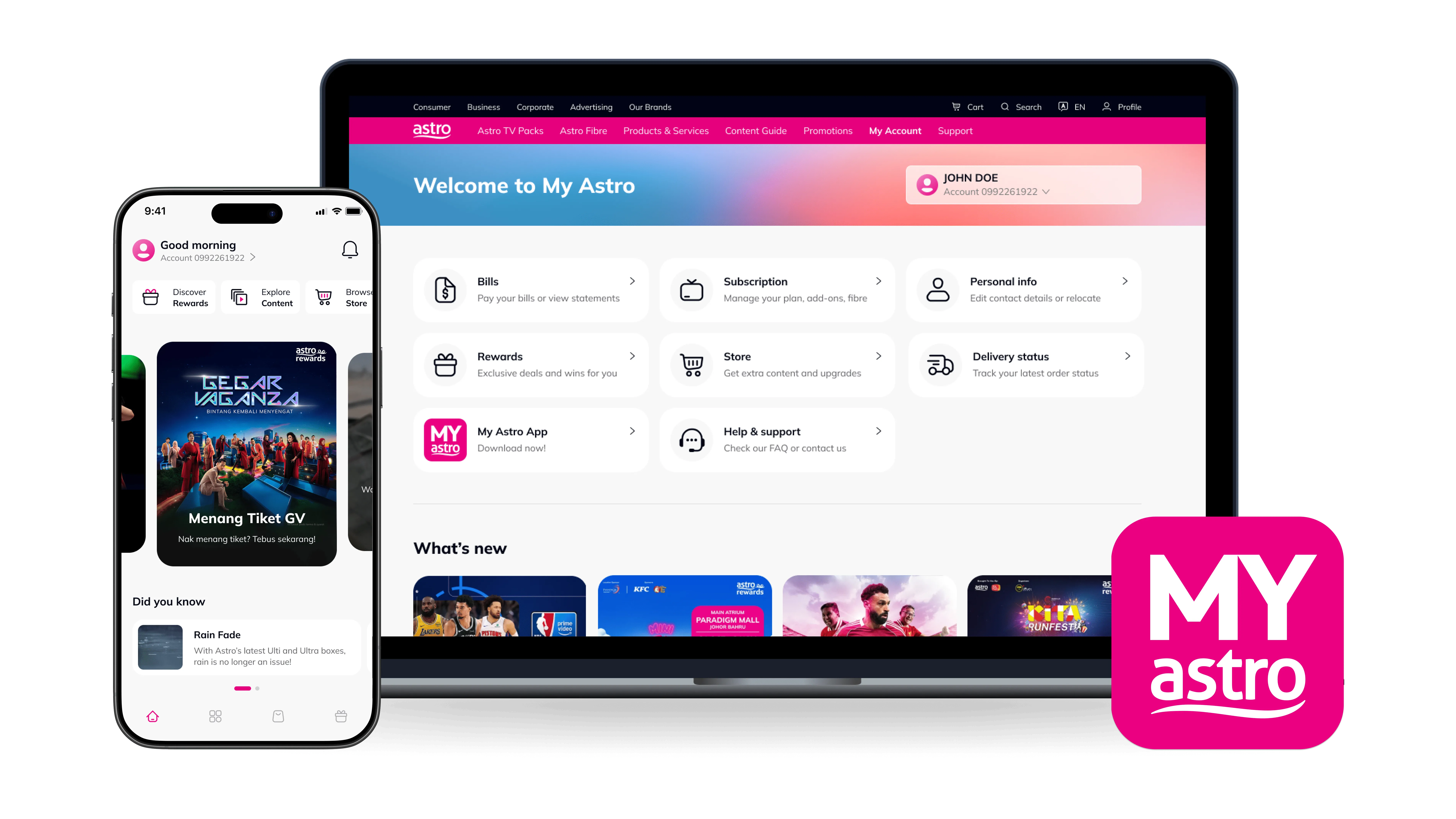
Pay & check your Astro bill
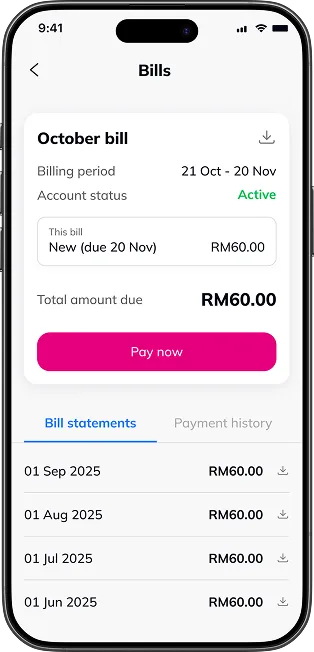
View your Astro bill history and make online payment securely via My Astro.

Manage Astro account easily
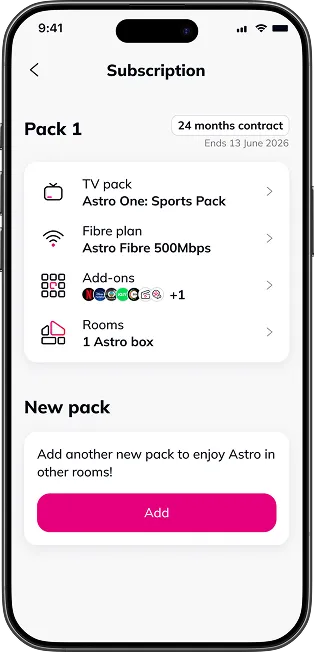
Check Astro account number, manage subscription, get add-ons all in one place.

Browse and rent Astro content
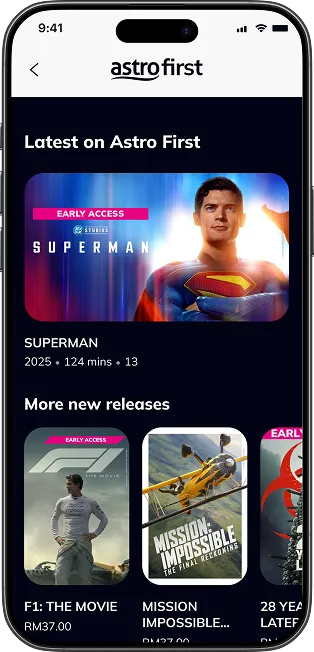
Explore channel guide and buy Astro First movies in just a few clicks.

Redeem exclusive rewards
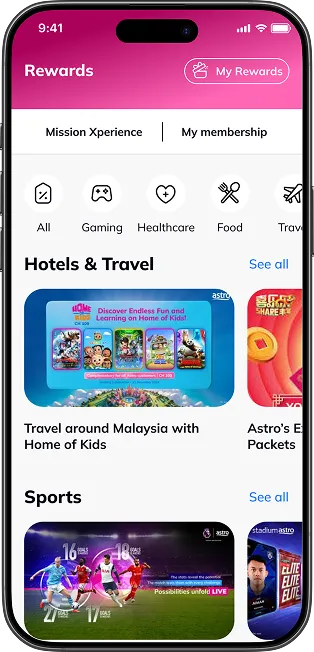
Enjoy special discounts and win prizes with Astro Rewards tier program.

Need help with Astro?
No signal? Refresh smartcard? Relocation? Self troubleshoot in minutes.
Frequently asked questions
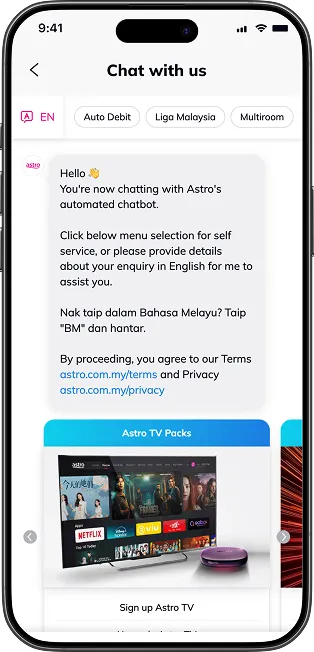
My Astro is an easy-to-use, free mobile phone app and responsive web portal that helps Astro customers to manage their Astro accounts. My Astro app allows customers to manage their accounts, pay bills, and get any support they need. In addition, customers can find and purchase the latest shows to be viewed on their Astro Box or on Astro GO. Customers can also receive news about Astro's latest products and content offerings.
Download My Astro app or visit the My Astro website.
Most Astro customers are eligible to use the app, web, Ultra and Ulti boxes. You will only need to login with your Astro ID. Do note that your Astro ID must be linked to your Astro account to use the service. Click "Create now!' on the login page and you will be guided to create an Astro ID if you do not have one.
Download My Astro app or visit the My Astro website.
My Astro is available on web browser and app. The app can be downloaded for free from the Google Play Store (Android 8.1 and above), Apple App Store (iOS 15 and above) or Huawei App Gallery (Android 8.1 and above).
Download My Astro app or visit the My Astro website.
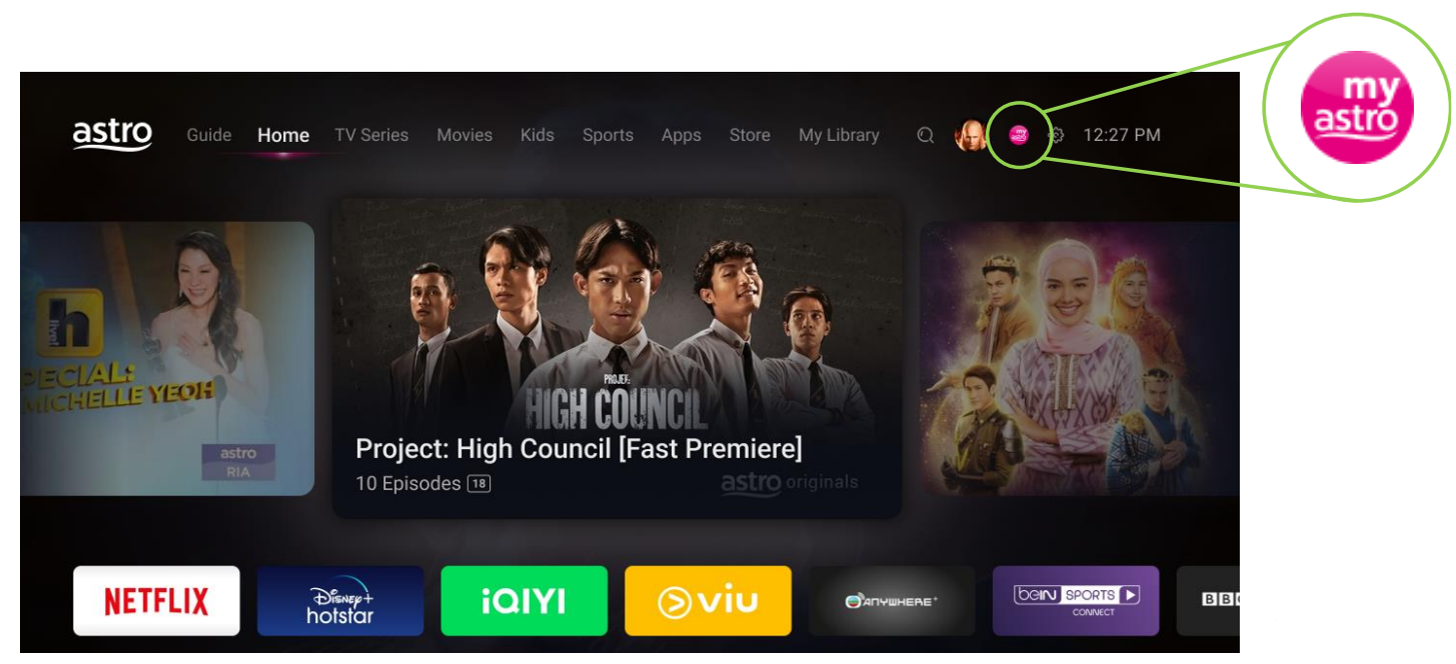
For Ultra and/or Ulti box users, My Astro app is now added to the Top Menu so you can easily access it to manage or update your account. You may find it in the Top Menu, located next to Settings. Please refer to the image below to see what it looks like:
Yes. You can explore the My Astro app even if you’re not logged in. Click at “Continue as guest” to check out the app features before singing up or logging in.
However, if you're an Astro customer we recommend you sign up/login with your Astro ID for the best experience. Here's how to link your Astro account to your Astro ID.
Download My Astro app or visit the My Astro website.
You can request for a password reset by clicking on "Forgot My Password' at the login page.