


 Track
Track
 Login
Login

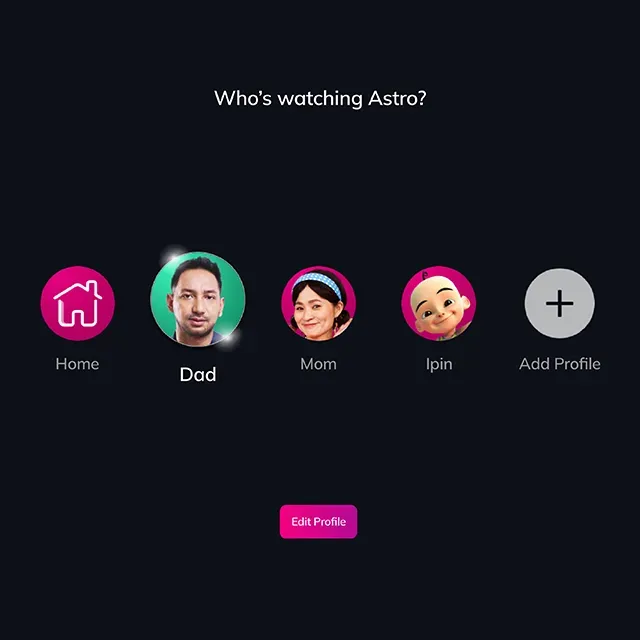
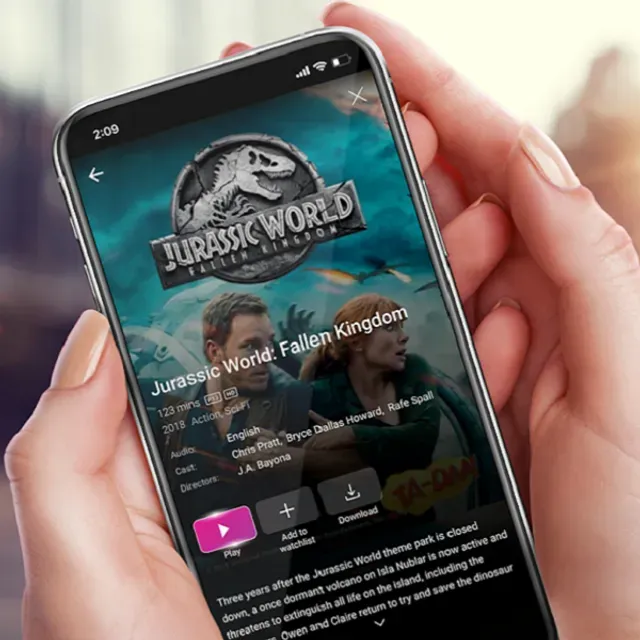
Multi-user profiles
Build up to 5 personal profiles for tailored content. Enjoy more of what you love, and your loved ones can too.
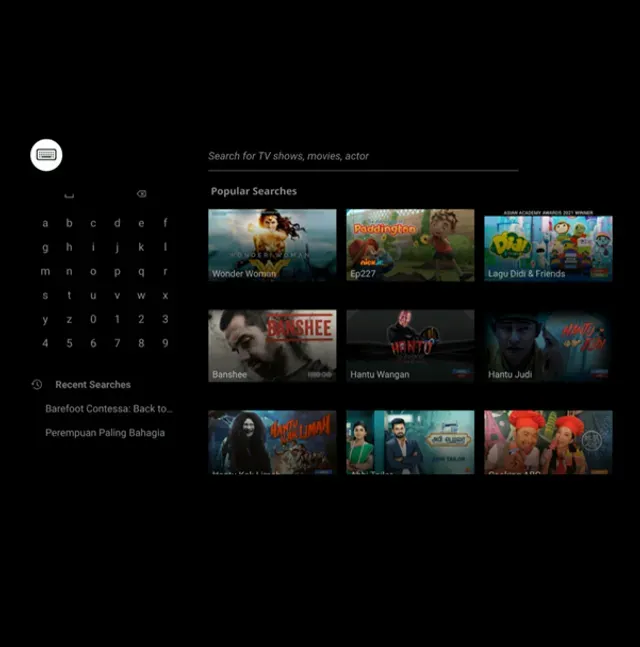
Smart search
Have something in mind? Just type in a little clue, and we’ll find it for you in no time.
Play from start
Don’t worry if you missed a few parts. Just restart the show, and enjoy it all over again.
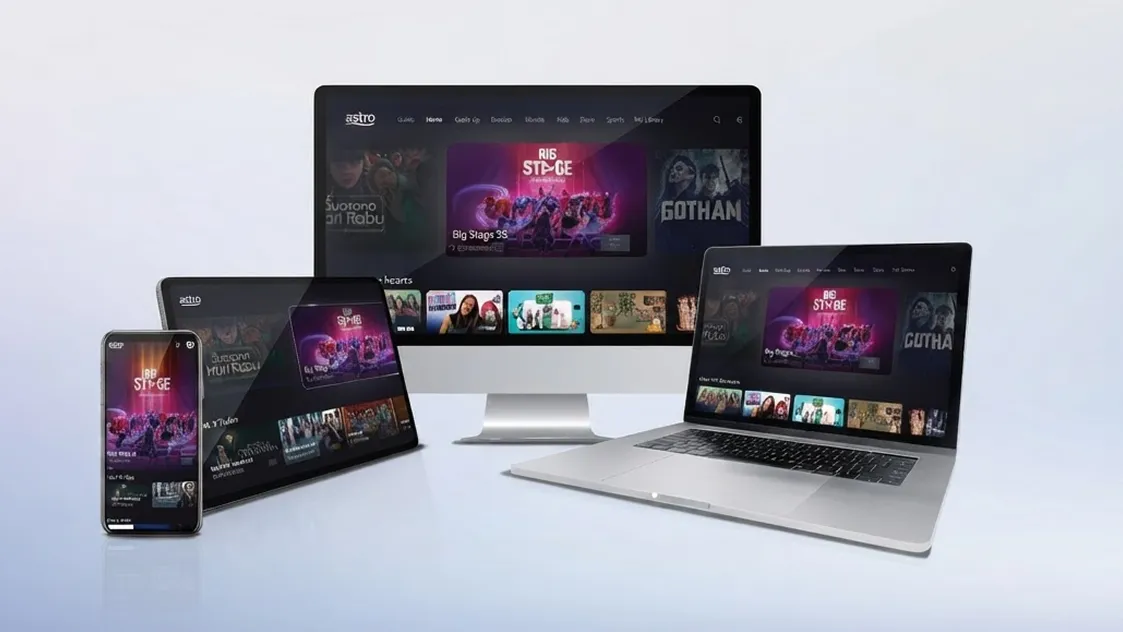
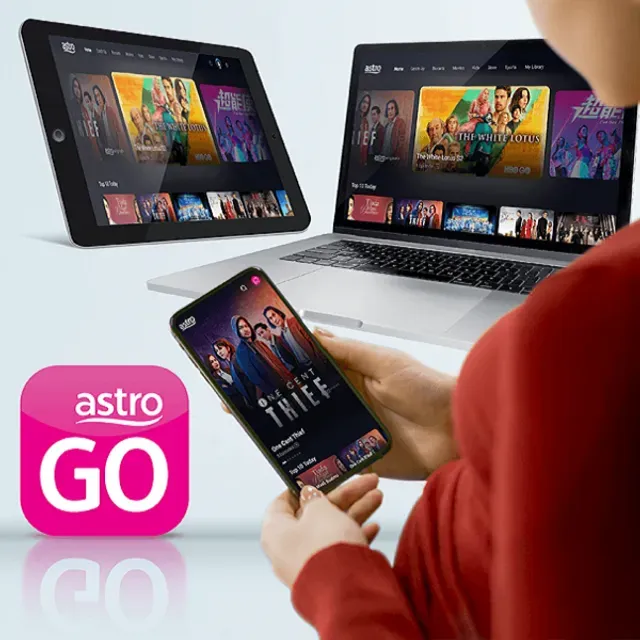
Multi-device support
With easy access via smartphone, tablet or PC, just tap tap away to your favourite content.
Frequently asked questions
Astro GO is free for all Astro customers to enjoy their favourite shows and channels on their smartphones, tablets, and computers – anytime, anywhere in Malaysia. Astro customers with an active Pay-TV subscription can link their accounts to watch corresponding On Demand and TV channels available on Astro GO as part of their subscription.
Don't have an Astro account? Fret not, you may still preview and browse content available on Astro GO via Web, Mobile Phone or your tablet using Astro GO Guest Mode.
Ready to start watching on Astro Go? Simply log in using the Astro ID linked to your Astro account on a supported device. If you haven’t created your Astro ID yet, you can refer to the guide here. Then, follow the step-by-step guide below and you’ll be ready to enjoy Astro Go in no time.
Step 1: Tap on the download link to download Astro Go app on your device.

Step 2: Tap on "Get" or "Install" to download Astro Go app into your device.
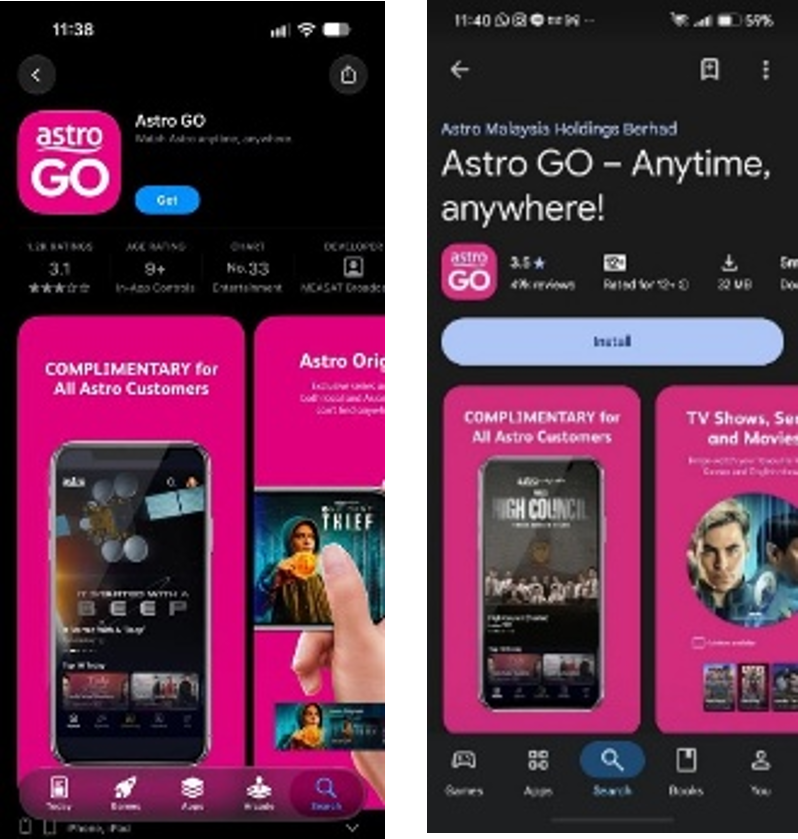
Step 3: Upon downloading, launch the app on your homepage and sign in with your Astro ID.
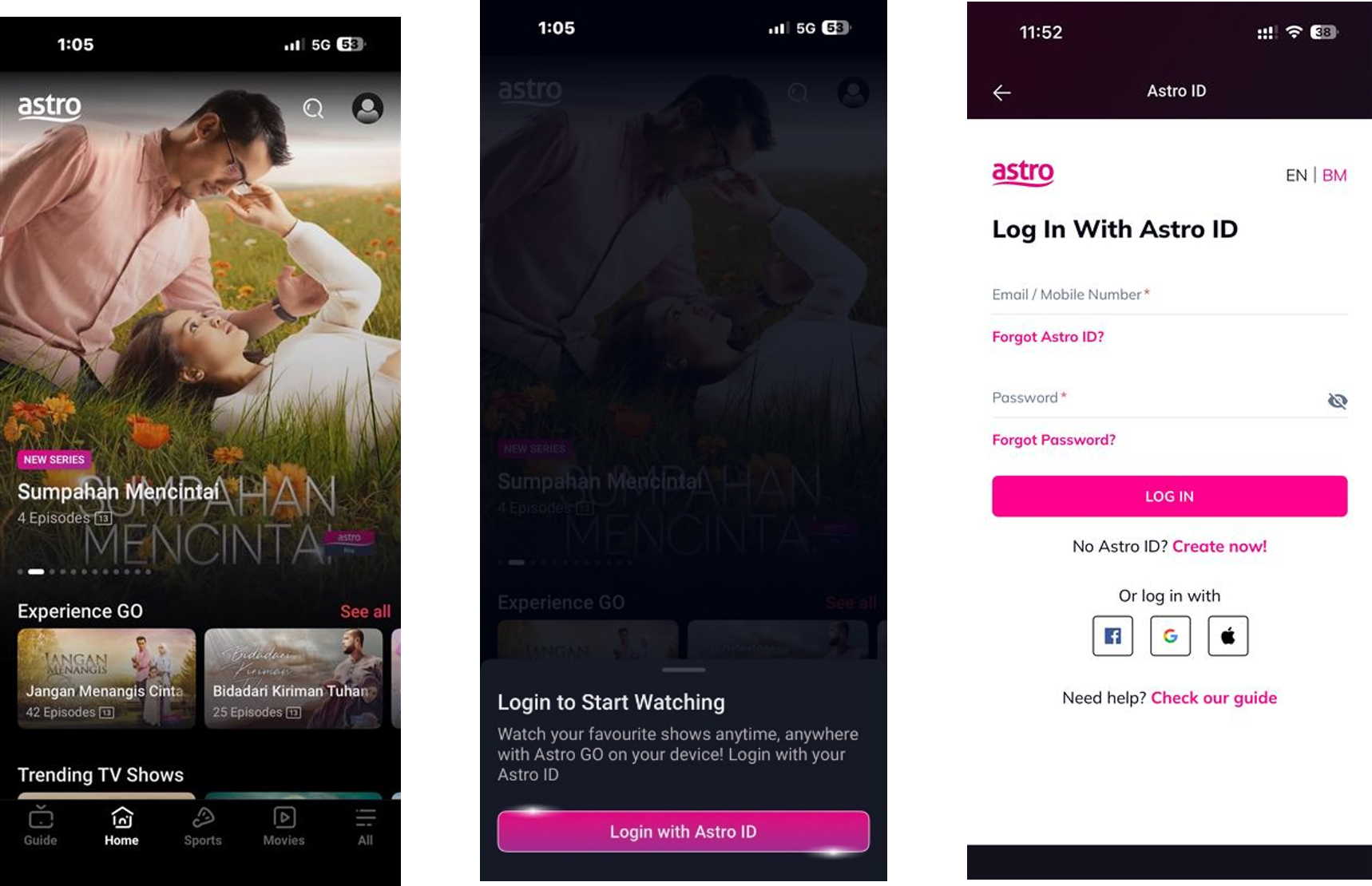
Don’t have an Astro ID? Create one by following these steps.
Step 4: You’re all set! Enjoy a world of entertainment in the palm of your hand.

Supported mobile devices include:
- iPhones and iPads: iOS 16.0 or later.
- Android smartphones and tablets: Android 7.0 or later.
To watch on your computer or laptop, visit astrogo.astro.com.my using your web browser.
Currently Astro GO is only available in Malaysia. You will not be able to access it if you are overseas.
Your access to Astro GO will depend on the subscription pack that you are subscribed to. Not all shows/channels will be available on Astro GO as this depends on contractual rights with specific guidelines on the entitlement of these shows/channels. We are continuously working hard to make more content available on Astro GO.
You may navigate around the menu on the side bar on Astro GO app, or top bar on the Astro GO web version to find shows available.
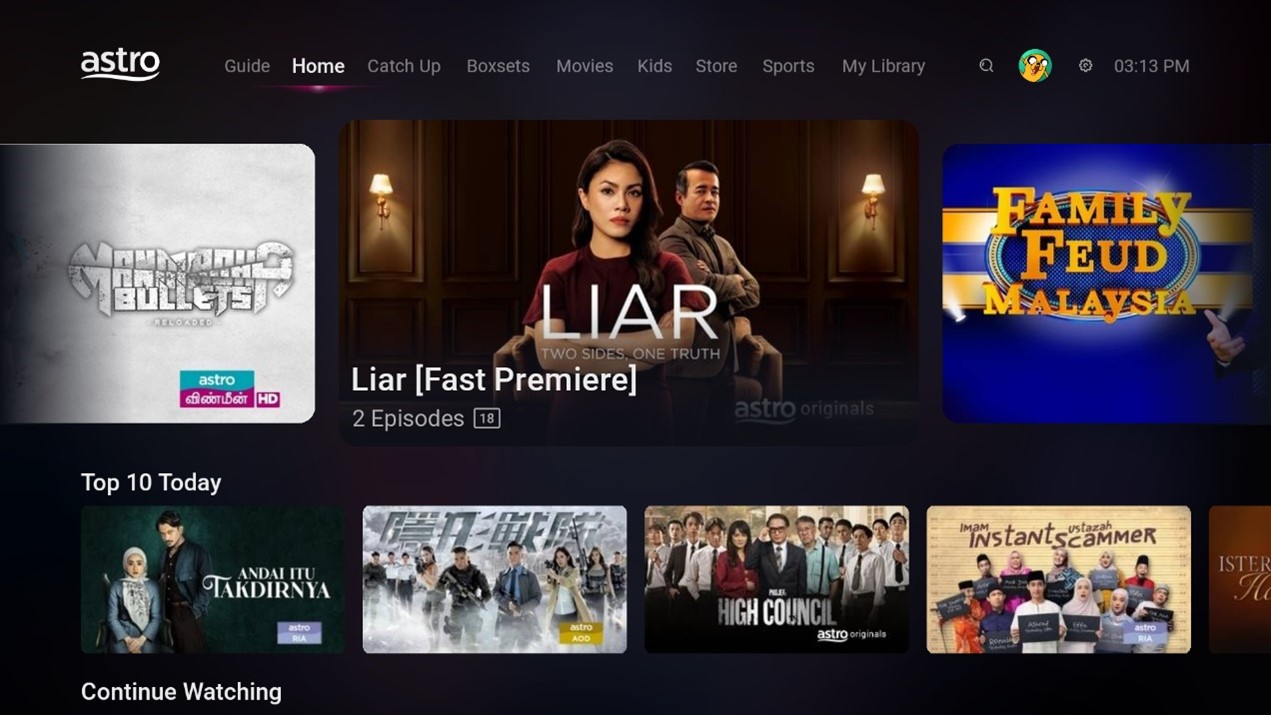

Mobile - Astro GO App
Menu Guide
- Home: Check out all the recommended content or watch your subscribed TV channels via the Channel Guide at the bottom of your home screen.
- Catch Up: Missed an episode of your favourite series? Fret not, Catch Up on the latest episode of your favourite shows on Astro GO.
- Boxsets: Watch complete seasons and series from our On Demand library anytime anywhere.
- Movies: Watch recent and popular movies on your devices! You can access a large catalogue of On Demand movies, according to your subscription.
- Kids: Catch all the cartoons, animations and a variety of shows for kids of all ages.
- Sports: Watch the biggest sporting shows LIVE on your mobile device, anytime anywhere.
- Store: Other than your subscribed packages, you can also purchase and watch your favourite Pay-Per-View movies and other Astro exclusive content (not available on iOS devices).
Astro GO is a companion app that is complimentary for all Astro subscribers and allows up to 2 users to stream at the same time. 200 hours of cloud recording* come complimentary with your Pay TV subscription.
Astro GO+ is an add-on service that enables up to 4 users to stream Astro GO and/or Multiroom Smart TV** at the same time. The amount of cloud recording storage will also be increased to 1500 hours.

*Cloud recording hours are shared across your Astro Box, Astro GO and Multiroom Smart TV
** Provided that you have a Multiroom Smart TV subscription