


 Track
Track
 Login
Login


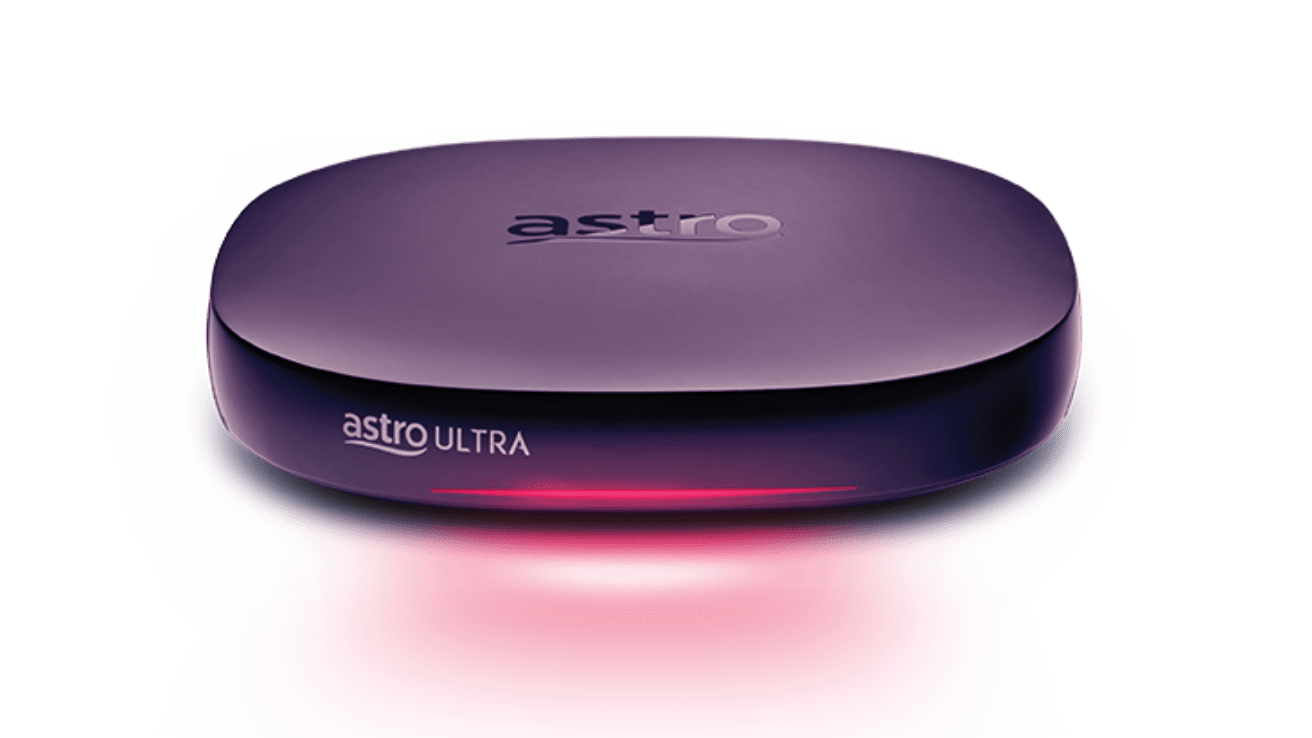
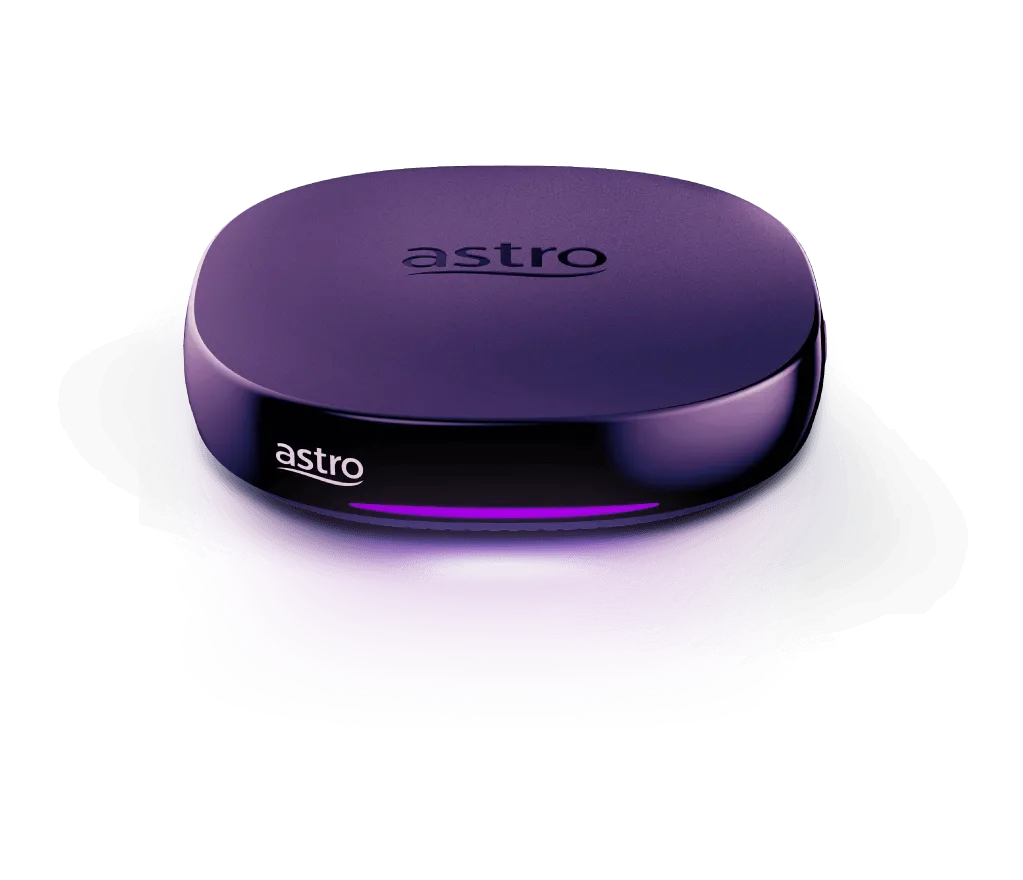
TV Boxes
[Box Retrieval] What should I do with my old Astro box upon receiving my new Plug & Play Box?Can I cancel my Plug & Play Box subscription if I have received my Plug & Play Box and Astro SIM card?Can I request for an installer to install my Plug & Play Box?Do I get a rebate for the channels I'm unable to watch with the Plug & Play Box?Do I have to pay an installation fee for the Plug & Play Box?How do I get the Ultra/Ulti Plug & Play Box?How do I know if I have successfully subscribed to the Astro subscription pack with Plug & Play Box?How do I pay for the Plug & Play Box activation fee?How do I receive the Plug & Play Box and Astro SIM card?How do I track my delivery status?I am an existing Astro IPTV customer, how should I connect my Plug & Play Box to the internet?I'll be moving to a new home after activating the Plug & Play Box, do I need to pay the activation fee again?What do I do if I have technical issues with the Plug & Play Box?What is the Plug & Play Box?What is the recommended internet speed for the Ultra/Ulti Plug & Play Box?What is the warranty on the Ultra/Ulti Plug & Play Box?What should I do if I am unable to activate my Plug & Play Box?What should I do if I have yet to receive my Plug & Play Box?What should I do if the Ultra/Ulti Plug & Play Box/Astro SIM card is faulty?What should I do once I have received both my Plug & Play Box and Astro SIM card?Why am I being charged a fee as I'm installing it on my own?Why are some shows/channels unavailable on my Plug & Play Box even though they are part of my subscription?
Blank Screen / No Video / Blue Screen / TV displays "No Signal" message - Ultra/Ulti BoxI can't connect my Ultra Plug & Play Box to Wi-Fi. What should I do to fix this?Network Connection Not Available (NCNA) - Ultra Box / Ulti BoxNon Astro SIM Card has been inserted. Please insert the correct Astro SIM Card with the chip facing down. (CA 25)Please insert the correct Astro SIM Card with the arrow facing down. (CA 1)Please insert the correct Astro SIM Card with the arrow facing down. (CA 14)Please insert the correct Astro SIM Card with the arrow facing down. (CA 2)Service Currently Not Availabe (SCNA) Error on Certain Channels - Ultra / Ulti BoxPixelation or Distortion Picture - Ultra Box / Ulti BoxService Currently Not Available (SCNA) - Ultra Box / Ulti BoxBox No Power - Ultra / Ulti BoxWhat do the different light colours on my Ultra Box or Ulti Box mean?No Audio - Ultra Box / Ulti BoxUnable to play Video (HDCP Failed) - Ultra / Ulti BoxConnectivity issue (Unable to connect to Wi-Fi/Unable to Connect to VOD/cPVR @ Home Menu/Ultra Box Offline with Error Message)Slow Loading or Buffering at recording, On Demand or Play from startWe apologise for the service interruption (CA 6)Box Hang at Channel - Ultra Box / Ulti Box
Am I eligible for the Ulti Box?Can I watch 4K UHD programmes on the Ulti Box?How much is the installation fee for the Ulti Box?I already have the Ulti Box. How do I use all the new features?What is the new user interface on the Ulti Box?What is Ulti Box?Where can I get more information or sign up for the Ulti Box?
Am I eligible for the Ultra Box?I already have Ultra Box. How do I use all the new features?What is "Kids Friendly Profile"?What is 4K UHD? Tell me about the UHD content available with the Ultra Box.What is the Multi-User Profile (MUP) feature?What is the new user interface on the Ultra Box?What is Ultra Box?Where can I get more information or sign up for the Ultra Box?
Change audio delay - Ultra Box / Ulti BoxChange audio language - Ultra Box / Ulti BoxChange master PIN - Ultra Box / Ulti BoxChange menu language - Ultra Box / Ulti BoxChange standby mode - Ultra Box / Ulti BoxChange subtitles language - Ultra Box / Ulti BoxChange TV settings - Ultra Box / Ulti BoxChange video resolution settings - Ultra Box/ Ulti BoxConnect to new Wi-Fi connection - Ultra Box / Ulti BoxLNB Setup - Ultra Box / Ulti BoxLock channel - Ultra Box / Ulti BoxPerform Pause function on Live program - Ultra BoxRemove channel from favourite list - Ultra Box / Ulti BoxRestore factory settings - Ultra Box / Ulti BoxRun network diagnostics - Ultra Box / Ulti BoxSatellite Diagnostics - Ultra Box / Ulti BoxSet HDMI audio - Ultra Box / Ulti BoxSet Parental Control - Ultra Box / Ulti BoxSet S/PDIF Audio - Ultra Box / Ulti BoxSet TV to sync to Astro remote control - Ultra Box / Ulti BoxRefresh Box setting (Clear NVRAM) - Ultra / Ulti BoxSoftware Update - Ultra / Ulti BoxTest Satellite Frequency - Ultra and Ulti BoxUnlock channel - Ultra Box / Ulti BoxUpdate Satellite Frequency - Ultra / Ulti BoxView STB Diagnostics - Advanced Diagnostics (Ultra Box / Ulti Box)View STB Diagnostics - General Diagnostics (Ultra Box / Ulti Box)View STB Diagnostics - Household Diagnostics (Ultra Box / Ulti Box)View STB Diagnostics - Network Diagnostics (Ultra Box / Ulti Box)Add channel to favourite list - Ultra Box / Ulti BoxRefresh signal of your Astro boxInstallation Setup - Plug and Play Mode - Ultra Box / Ulti BoxInstallation Setup - Satellite Mode - Ultra Box / Ulti BoxProfile selection on StartupUpdate Profile PictureUpdate Profile NameDelete ProfileAdd New ProfileSwitch from Kids to Adult ProfileRun Test ConnectionCheck Software Version Status
Blank Screen / No Video / Blue Screen / No Signal - HD enabled BoxBox hang at channel - HD enabled BoxBox No Power - HD enabled BoxBox not responding to remote control - HD enabled BoxPlease ensure that your Astro Smart Card is fully inserted (S1) - HD enabled BoxPlease insert the correct Astro Smart Card with the arrow facing up (S25) - HD enabled BoxPlease insert the correct Astro Smart Card with the arrow facing up (S2) - HD enabled BoxPlease insert the correct Astro Smart Card with the arrow facing up (S32) - HD enabled BoxPVR functionality not available - HD enabled BoxService Currently Not Availabe (SCNA) Error on Certain Channels - HD Enabled BoxService Currently Not Available (SCNA) - HD enabled BoxYou have inserted the wrong smart card. Please insert the correct Smart Card (S14) - HD enabled BoxPixelation or Distortion Picture - HD enabled BoxNo Audio - HD enabled BoxUnable to play Video (HDCP Failed) - HD enabled BoxThis channel is not included in your subscription (TCINIIYS) - HD enabled BoxWe apologise for the service interruption (WAFTSI) - HD enabled Box
Change & check the resolution setting - HD enabled BoxChange auto standby setting - HD enabled BoxChange Digital Audio Settings - HD enabled BoxChange menu language and subtitles - HD enabled BoxChange TV display setting - HD enabled BoxCheck future recording - HD enabled BoxCheck HDMI connection status from STB Diagnostics page - HD enabled BoxCheck IP Diagnostics - HD enabled BoxCheck LNB type - HD enabled BoxCheck physical smart card number and serial number from box - HD enabled BoxCheck signal level - HD enabled BoxCheck smart card status from STB Diagnostics - HD enabled BoxNew Installation setting - HD enabled BoxRefresh Box setting (Clear NVRAM) - HD enabled BoxRestore factory settings - HD enabled BoxSet TV to sync to Astro remote control - HD enabled BoxSoftware Update - HD Enabled BoxTest Satellite Frequency- HD enabled BoxUpdate Satellite Frequency - HD enabled BoxRefresh signal of your box - HD enabled Box


