Track
Track
 Login
Login

Welcome to the world of Astro Fibre
Ready to make the most out of your internet experience with us? We’ve got so much to show you!
The power of the Astro Fibre app!
- Guests? Share your WiFi easily and securely
- Control Kids' WiFi Usage
- Monitor your network performances
Do it all on one app when you scan the QR code.
Download the Astro Fibre app today or click here to learn more.

Introducing Auto Debit!
With Auto Debit, paying your Astro bill is so much easier! You’ll also get a monthly RM5 rebate.
Secure Fixed IP for seamless access and control
Enjoy seamless remote access, host your own website, and transfer files securely.

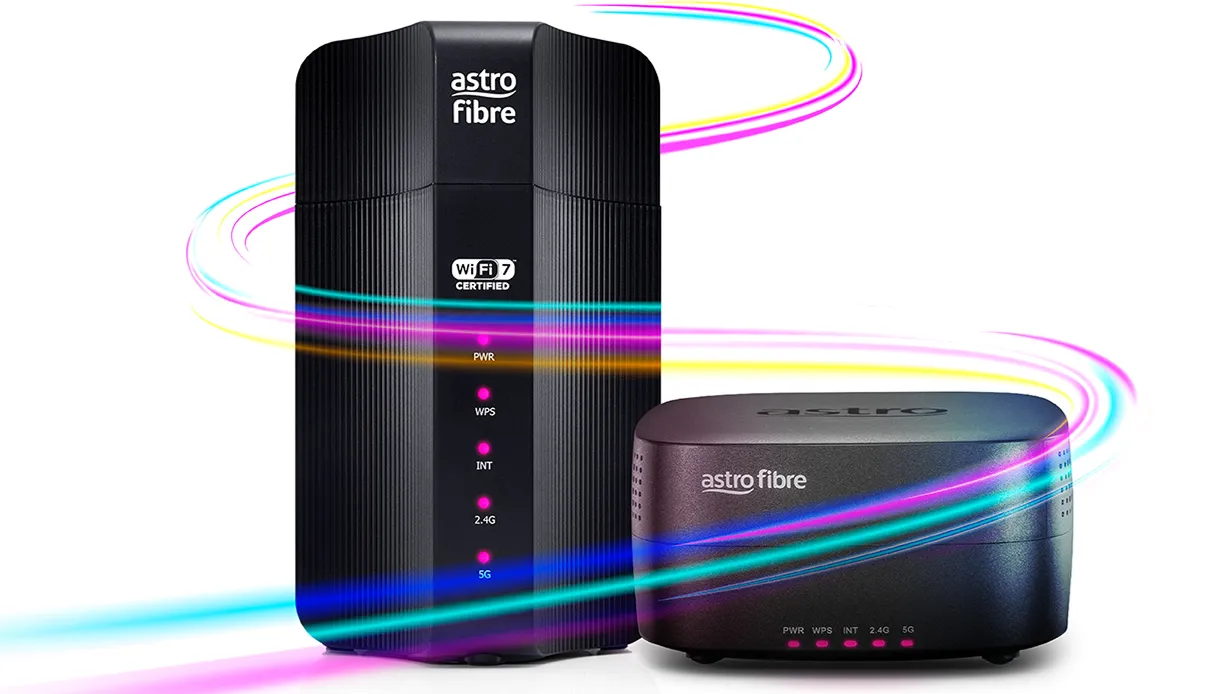
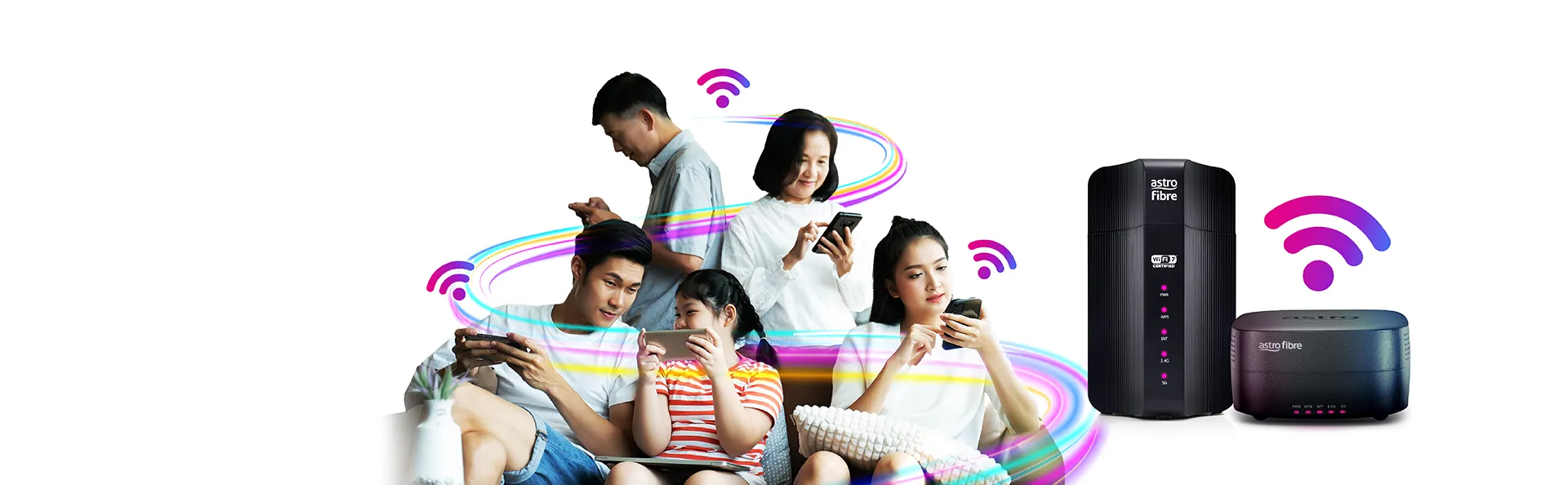
What’s so great about Astro Fibre Mesh WiFi?
No more dead spots, only sweet spots.
Have Astro Fibre Mesh WiFi at home? Set it up in 6 simple steps!
It's so simple, you'll be getting coverage in every room in no time.
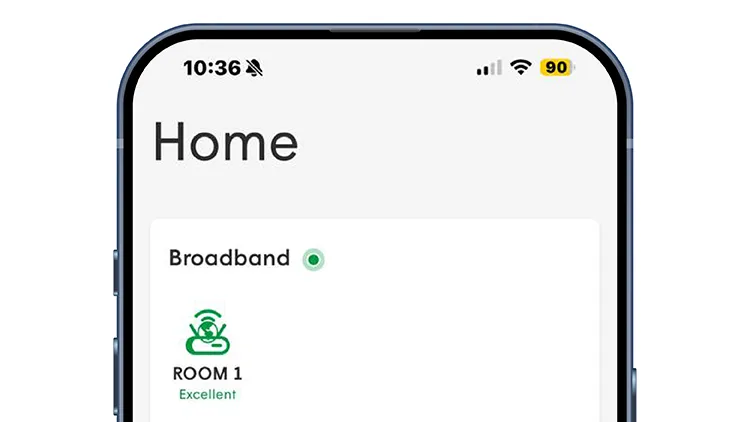
Step 1
Launch the Astro Fibre app.
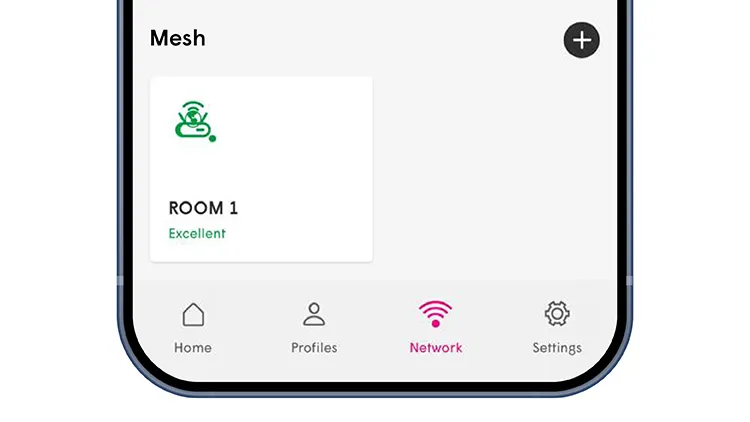
Step 2
Go to the Network tab. Scroll to Mesh and tap the + button.
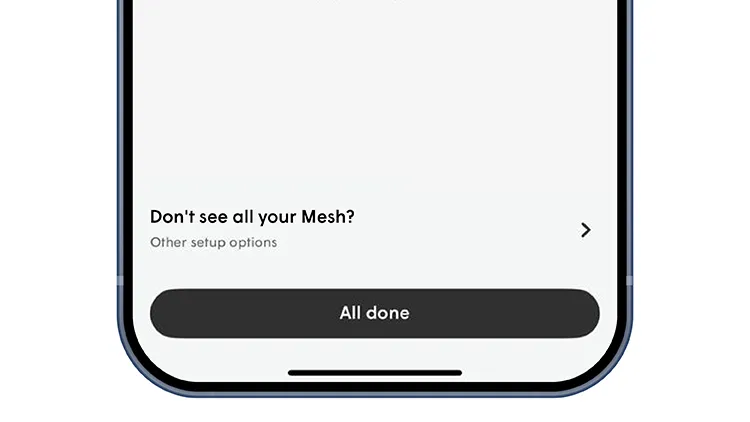
Step 3
This will take you to the Add a Mesh page. Click "Dont see all your Mesh?".
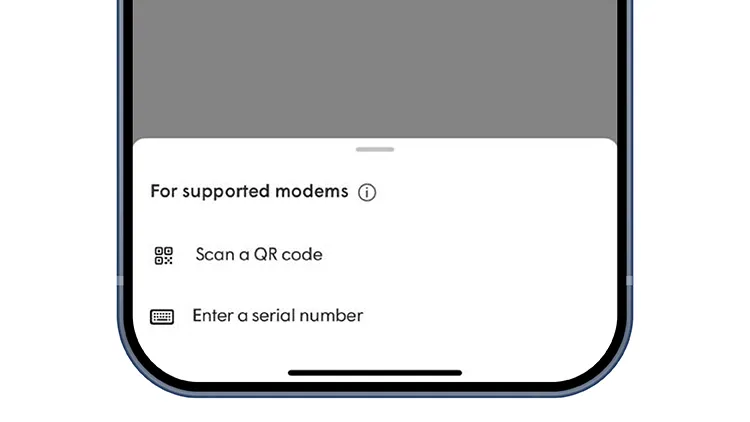
Step 4
Select "Enter a serial number." (QR code scanning feature is coming soon!).
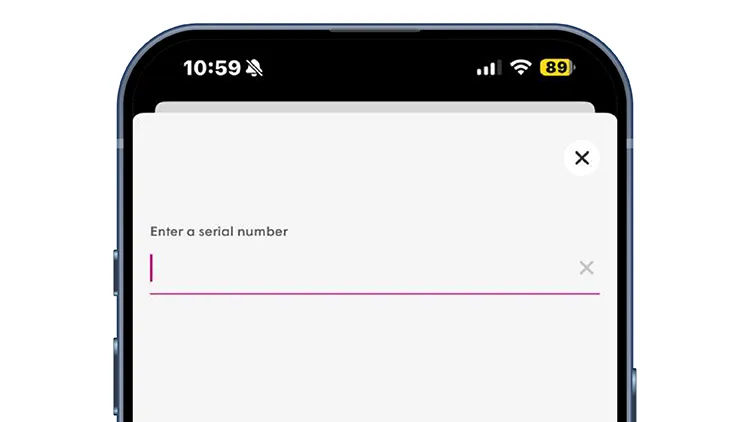
Step 5
Enter the serial number of the Mesh. You can find the number underneath the Mesh device.
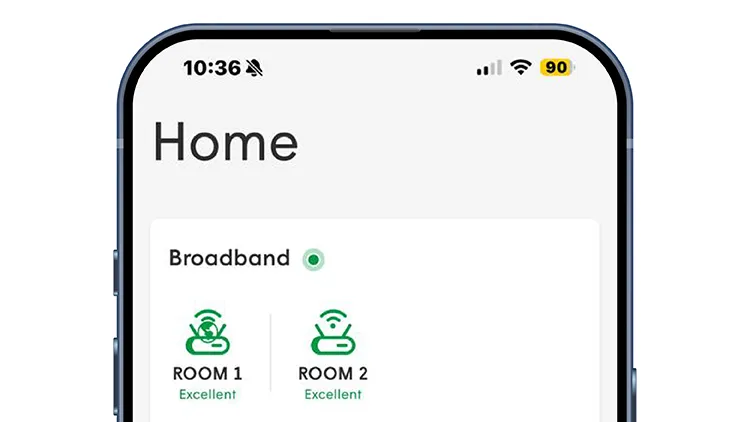
Step 6
Once the Mesh is added successfully, it will appear on the Home page as Room 2.
Can't find what you are looking for? Check out the user guide here
Choose your Astro Fibre mesh router
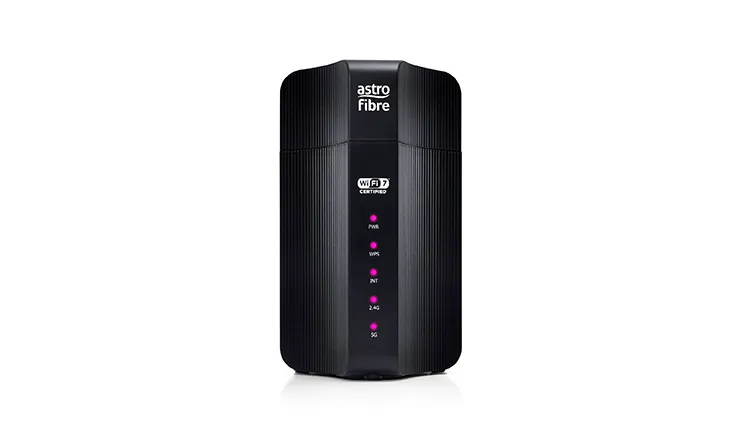
RG31 Router
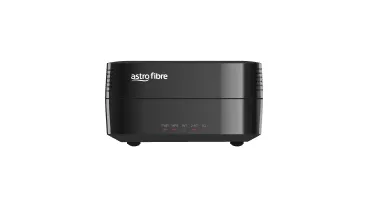
RG21 Router