


 Track
Track
 Login
Login

Welcome to a world of HD entertainment with Ulti Box
Get connected with a wide variety of content from TV shows and movies to live sports and more. Enjoy amazing Astro features including Video On Demand, Live Pause, and Continuous Viewing.
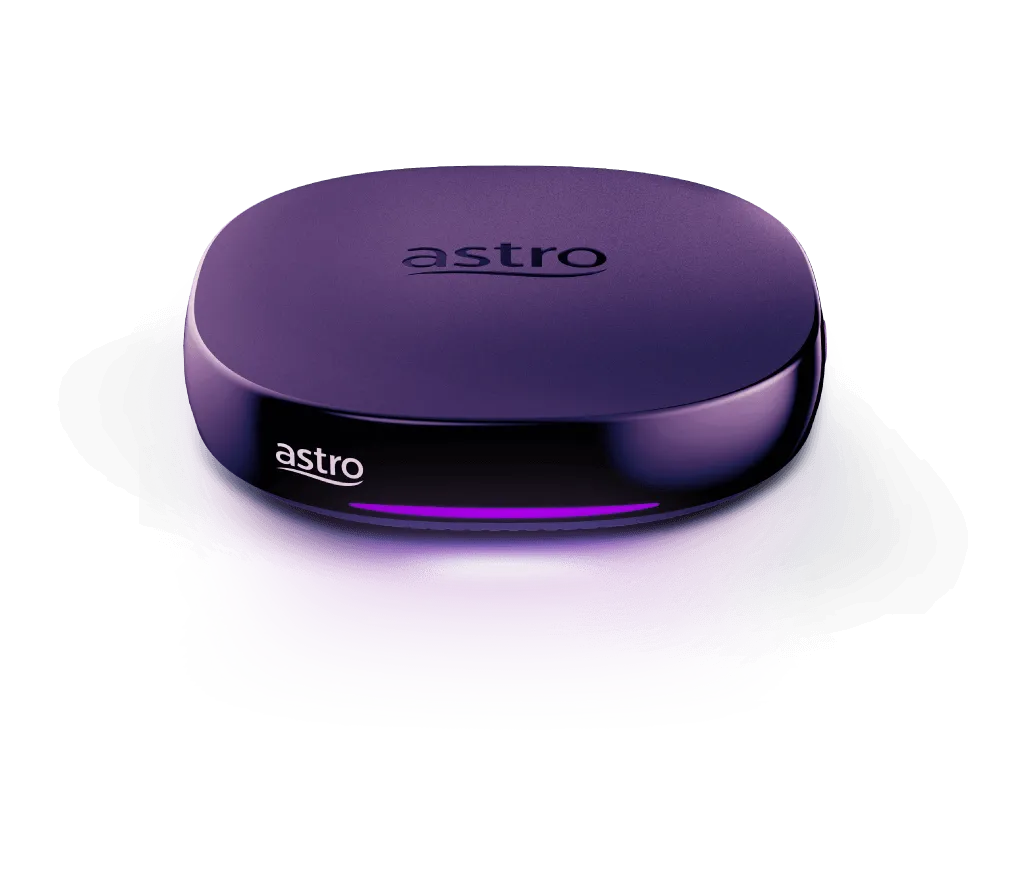


Great shows. Just plug in & play!
Enjoy a breathtaking entertainment selection with just an internet connection. No satellite dish installation required. Find out how to set up your Ulti Plug & Play box here or watch in your preferred language below.
Watch in your preferred language
Bahasa Malaysia
Chinese
Tamil
Install your box in a few simple steps
Do note that your Ulti Box and Astro SIM Card will be sent to you in two separate deliveries. Please match your SIM Card to the correct Ulti Box by checking your SIM Card Letter for the corresponding Serial Numbers
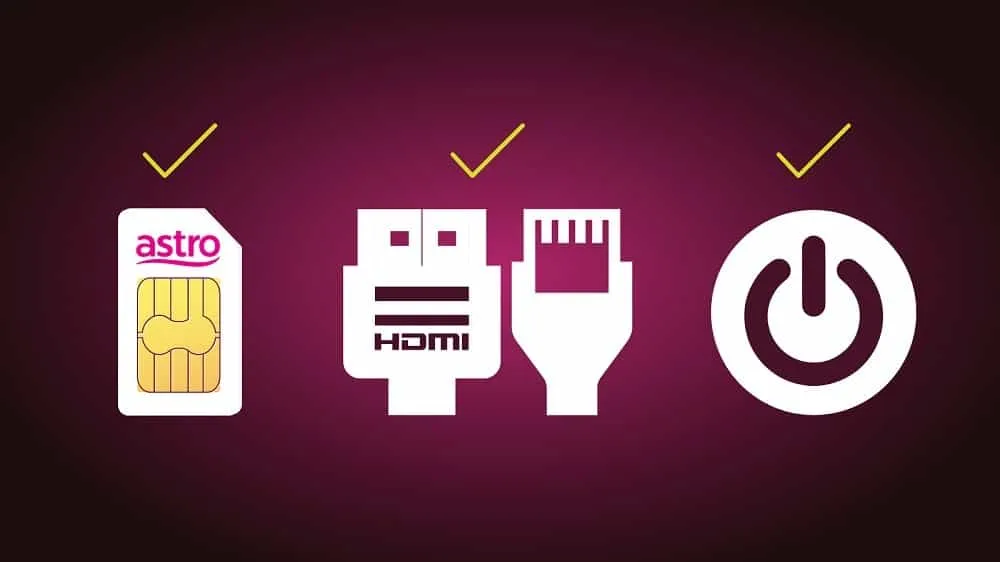
Step1
Insert Astro SIM card slowly, chip-side facing down. Connect cables (power, HDMI, LAN) and switch on your box
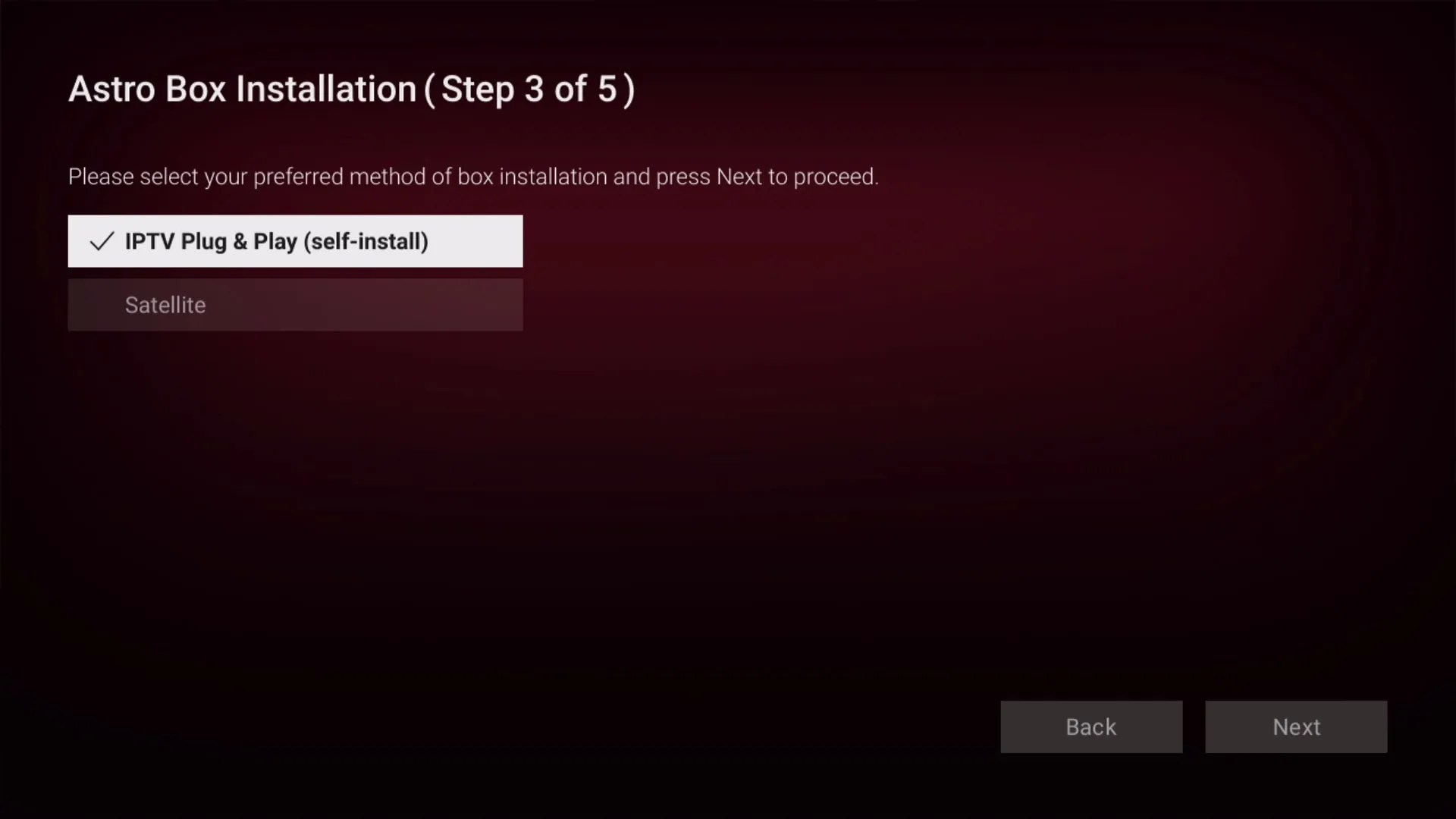
Step 2
Choose your preferred language, resolution (select ‘Auto’) then select ‘IPTV Plug & Play’ (self-install)
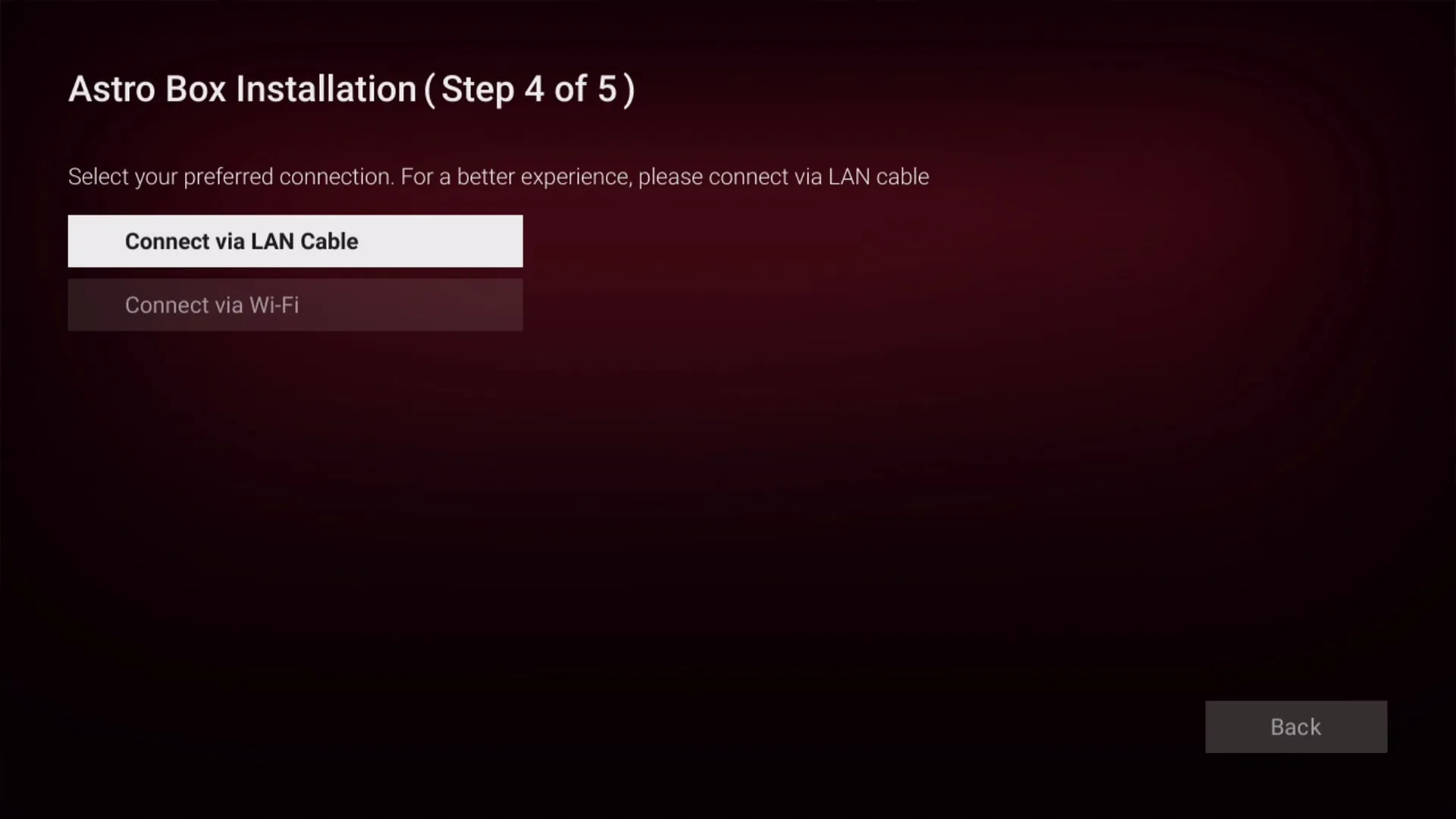
Step 3
Connect to your home internet via LAN cable or Wi-Fi and confirm successful connection. For IPTV customers, click Here
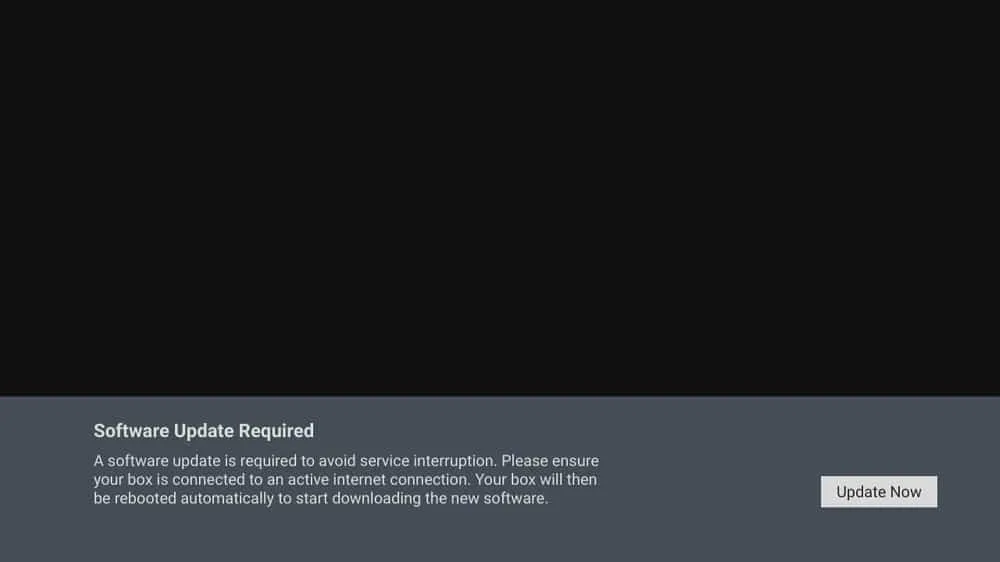
Step 4
Press ‘Update Now’ to download and install the software updates
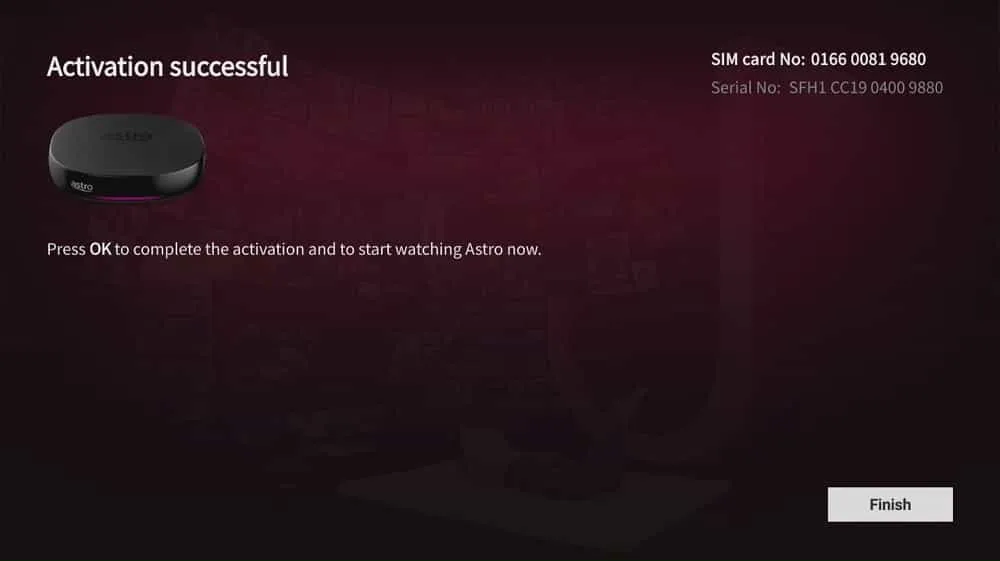
Step 5
Wait for the box activation process to complete and simply press ‘Finish’
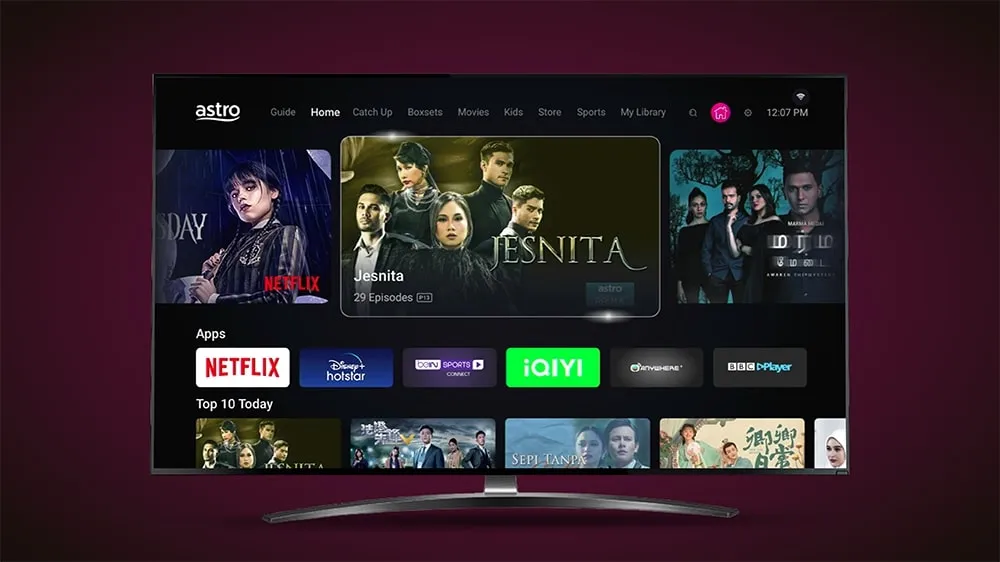
Step 6
Press the ‘Home’ button and enjoy!
Features at a glance
Explore these amazing features. Click to view the complete User Guide and Installation Guide

New Home Screen
Navigate your world of Astro with ease

Video On Demand
Stream up to 65,000 videos on demand with your Ulti Box

High Definition
Stream matches and movies in crystal clear picture quality

Never Miss A Show
Record your favourite shows with 200 FREE hours of cloud recording

Play From Start
Restart the show if you’ve missed the beginning

Search
Search for new shows to watch easily and faster
Completed with your box installation?
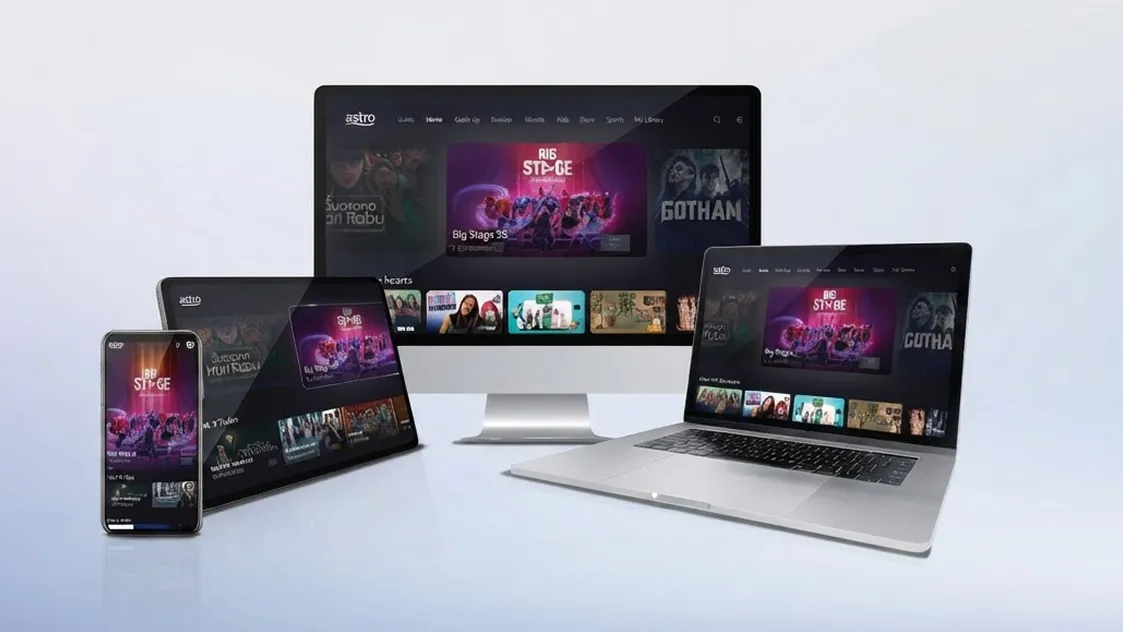
Now it’s time to watch what you love anytime, anywhere, with your Astro GO today!
Astro GO is complimentary for all Astro customers. Just create and login using your Astro ID to start streaming.
Frequently asked questions
Astro's Plug & Play Box is our latest box where users can enjoy the latest Astro box simply by connecting it to the TV and internet. There is no longer a need to schedule or pay for an installation. By connecting your Plug & Play Box to home broadband, you will be able to-do the following:
- Watch your channels over the Internet. No more rain fade!
- Never miss your favorite shows again as you can stream LIVE events from the beginning, or simply pause and resume the program as you wish.
- Access a library of over 110,000 videos on demand. Catch-up or binge-watch full episodes whenever you like.
- Access your recordings anytime on TV or the Astro GO app via Cloud Recording.
Other features include pause on TV and continue watching on the Astro GO app, enhanced search capabilities and more.
You may report the incident on WhatsApp at 03-9543 3838 by typing PNP and our access our user guide or request for further help from our dedicated agents. Please have your Airway Bill tracking numbers ready for validation.If a replacement box/Astro SIM card is deemed necessary, a new Box and a new Astro SIM card will be couriered to your service address.
For any technical issues, you may visit Astro's Help & Support page then scroll down to 2. Technical Troubleshooting - Ultra Box / Ulti Box
OR
Send Hi to our WhatsApp at 03-9543 3838. Then select Help & Support for assistance.
The Ultra/Ulti Plug & Play Box comes with a one-year box hardware warranty.
For self-installation, there is a warranty seal at the bottom of the Ultra/Ulti Plug & Play Box, which must not be removed or tampered with as this would void the one-year Ultra/Ulti box hardware warranty.
If you have a box that is not an Ultibox or Ultrabox, please recycle your box at a registered collection centre that will properly manage the boxes in an environmentally friendly way. Click here to find a registered collection centre near you.
For your old Ultibox or Ultrabox, once your Plug & Play Box has been activated, a courier service will reach out to you within TWO (2) weeks for a time for them to pick up the old Astro box and SIM card/Smartcard.
- Ensure that all cables have been plugged out of the old Astro box. To remove the white satellite cable from your old Astro box, simply hold the cable, twist, and gently pull.
- Set aside these items to be ready for our delivery partner to pick up from you
- Old Astro Box
- Old Astro Smartcard/SIM Card (leave this in your Astro Box)
- When a courier arrives at your residence, do confirm that they are collecting items on behalf of Astro.
- Allow the courier to check the serial number of the Astro box.
- Hand them all the items for return, and you're done!