Jejak
Jejak
 Log masuk

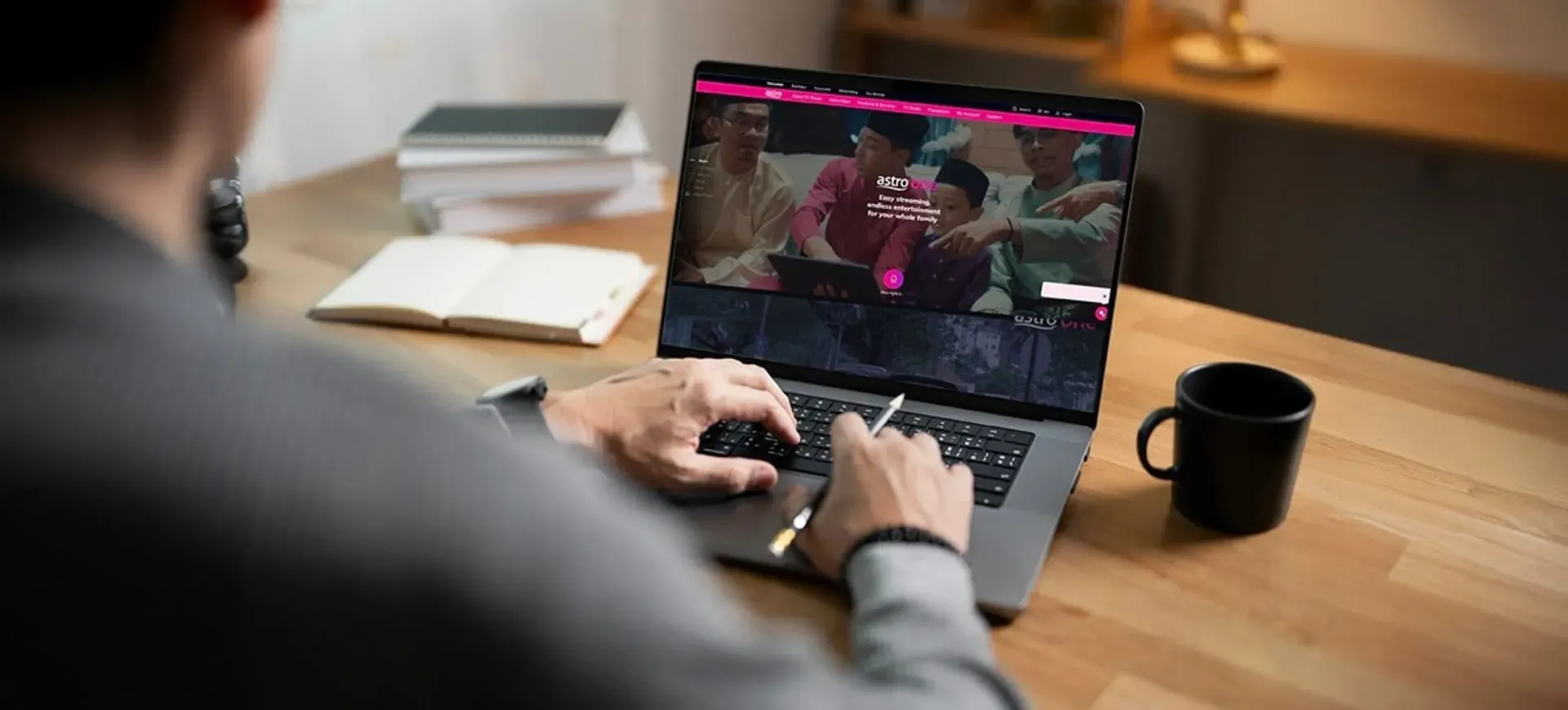
Error message: “Max registered devices reached - Registered Device full”
If you see this message, it means your Astro account has reached the maximum number of devices allowed for registration.
Please perform the following checks and troubleshooting steps:
1. Manage Your Registered Devices
- Go to www.astrogo.com.my or open the Astro GO app.
- Log in using your Astro ID and password.
- Review the list of registered devices.
- Remove a device that you no longer use.
- Return to your new device and try signing in again.
If you are unable to remove a device or continue to see the error message, proceed to submit report via WhatsApp or Feedback Form and provide:
- Astro ID use
- Smart TV model
- OS version
- Error reported on device
This will help our support team investigate and assist you further.
Note: Please be aware that only one Smart TV device is allowed per account at any point in time.
Artikel-Artikel Serupa